Method 1: Install from your Android phone
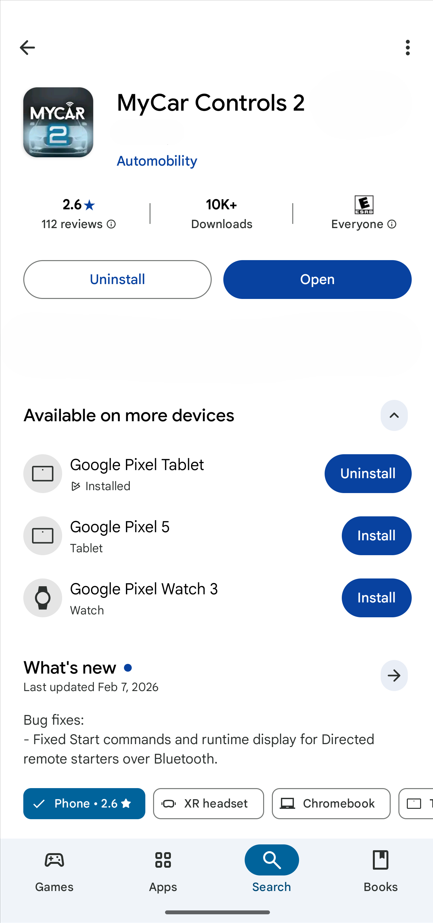
- Open Google Play Store on your phone
- Search for the MyCar 2 app
- Look for “Available on more devices” or “Wear OS”
- Select your watch → Install
Open Google Play Store on your phone
Search for the MyCar 2 app
Look for “Available on more devices” or “Wear OS”
Select your watch → Install
The app will show up on the watch once it syncs.
Method 2: Install directly on the watch
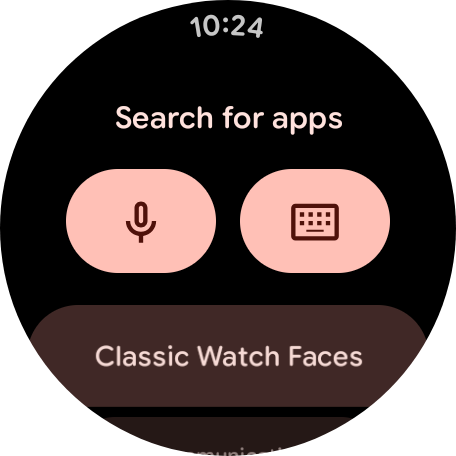
Wake up your watch
- Press the side button (or swipe up) to open the app list
- Tap Play Store
- Sign in with the same Google account as your phone (if prompted)
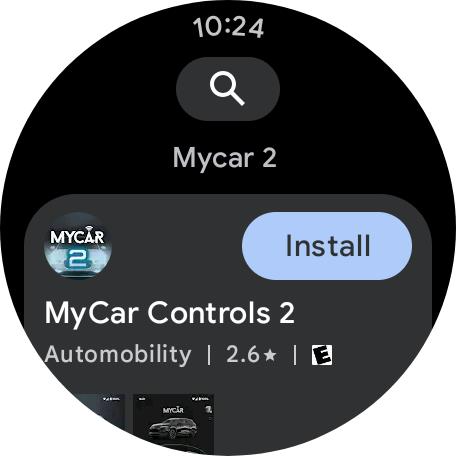
- Browse, search, or use “Apps on your phone” for MyCar 2
- Tap Install
The app downloads over Wi-Fi or Bluetooth automatically.