This geofence will alert you when the vehicle enters or exits this zone
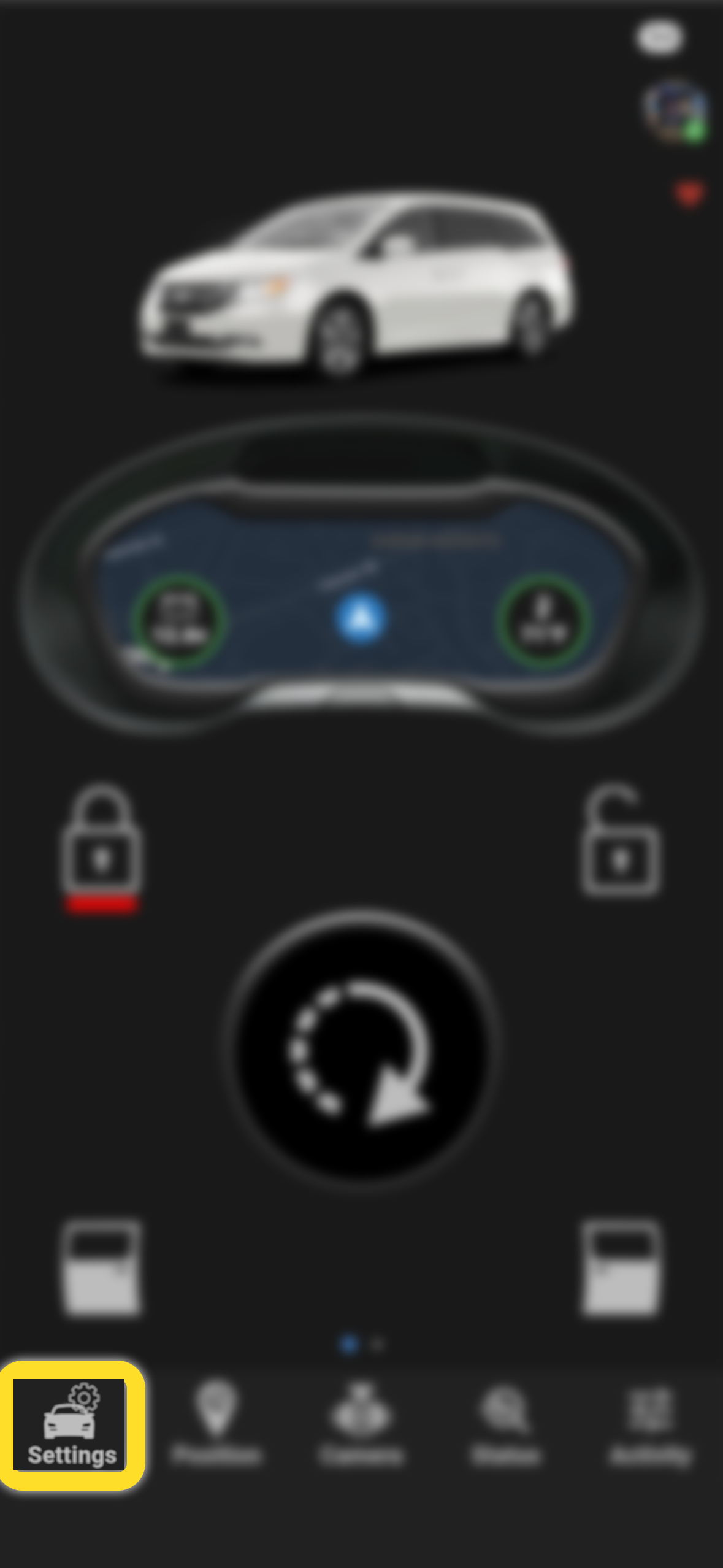
Select "Settings"
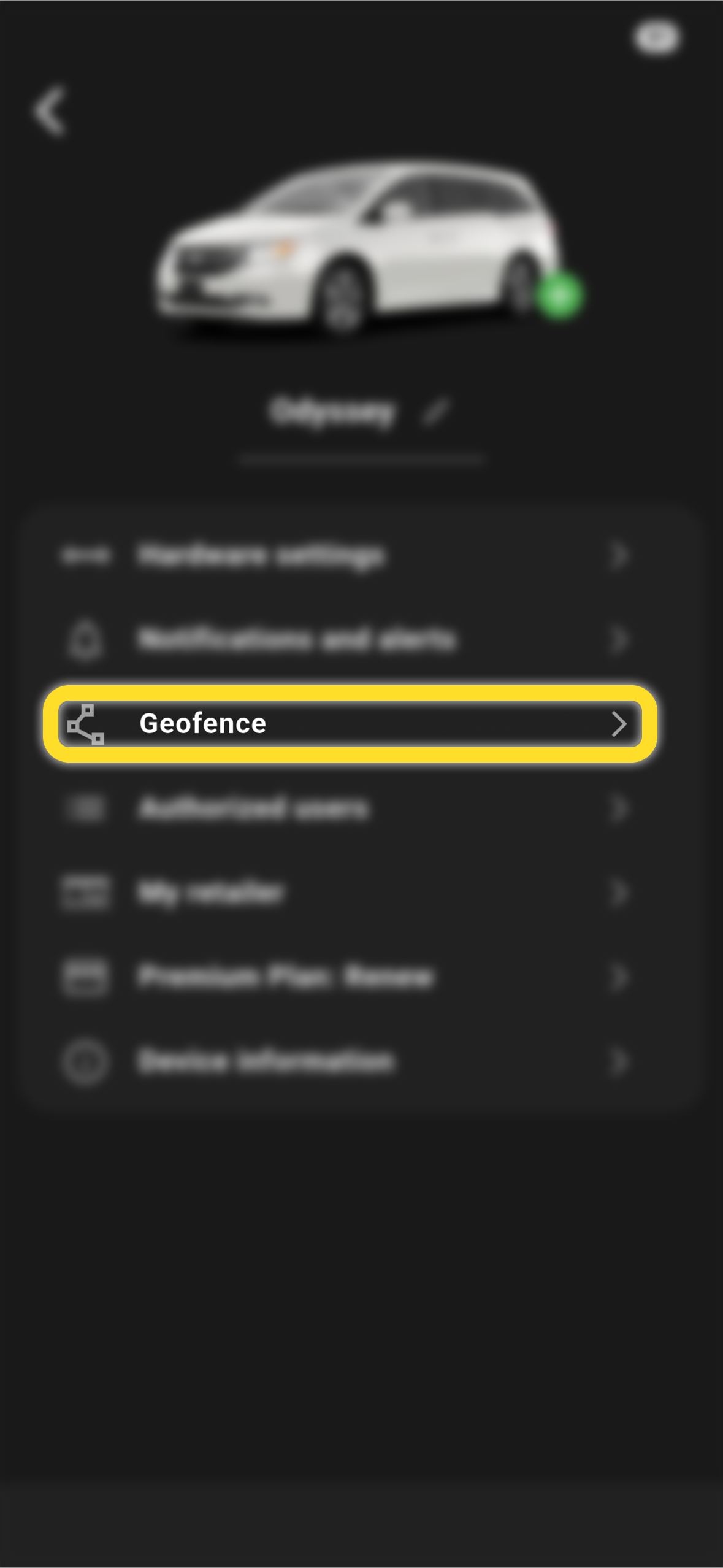
Tap "Geofence"
Tap the blue + at the bottom right to Create a geofence 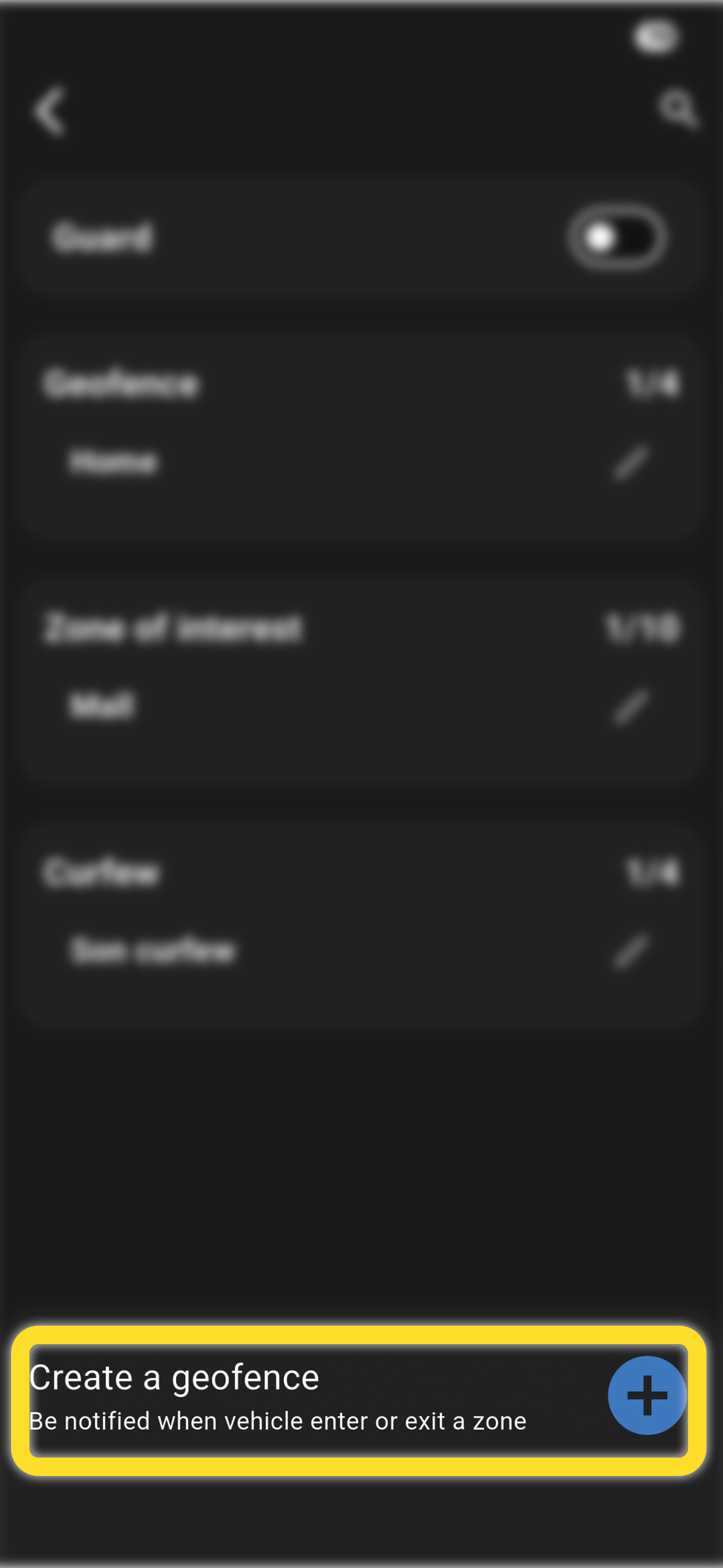
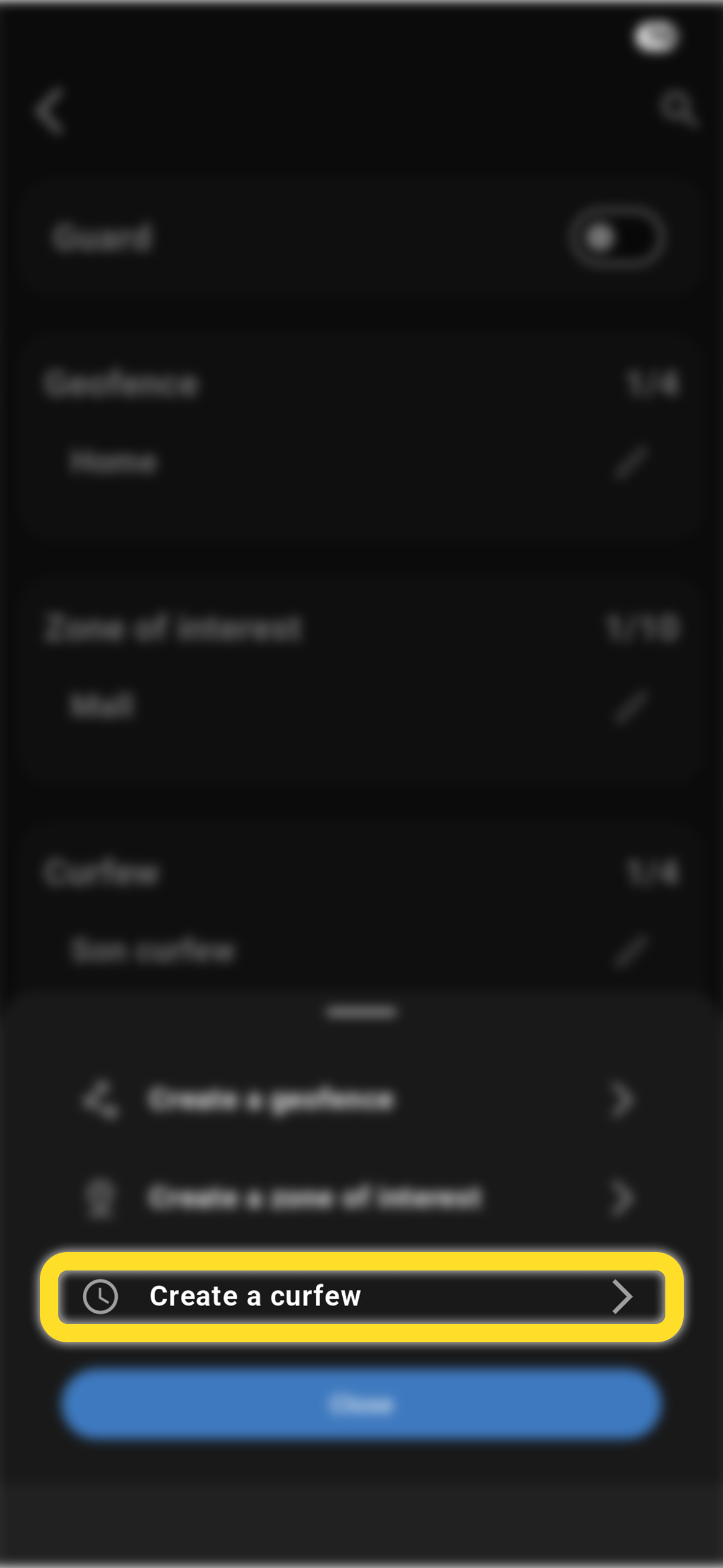
Tap "Create a curfew"
Add a name to the curfew geofence
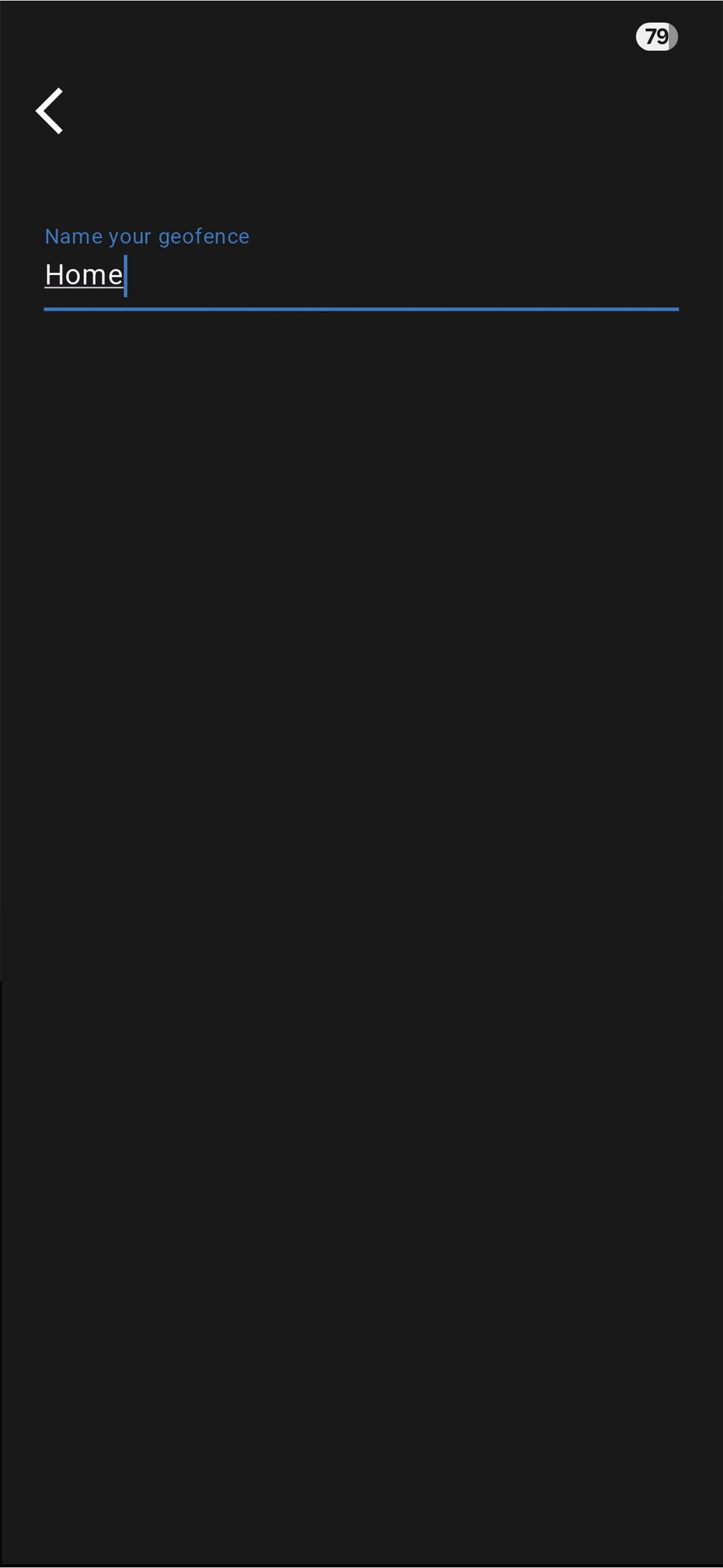
Tap "Next"
Select how often you'd like to set the curfew (Once, Everyday, Weekdays only, etc)
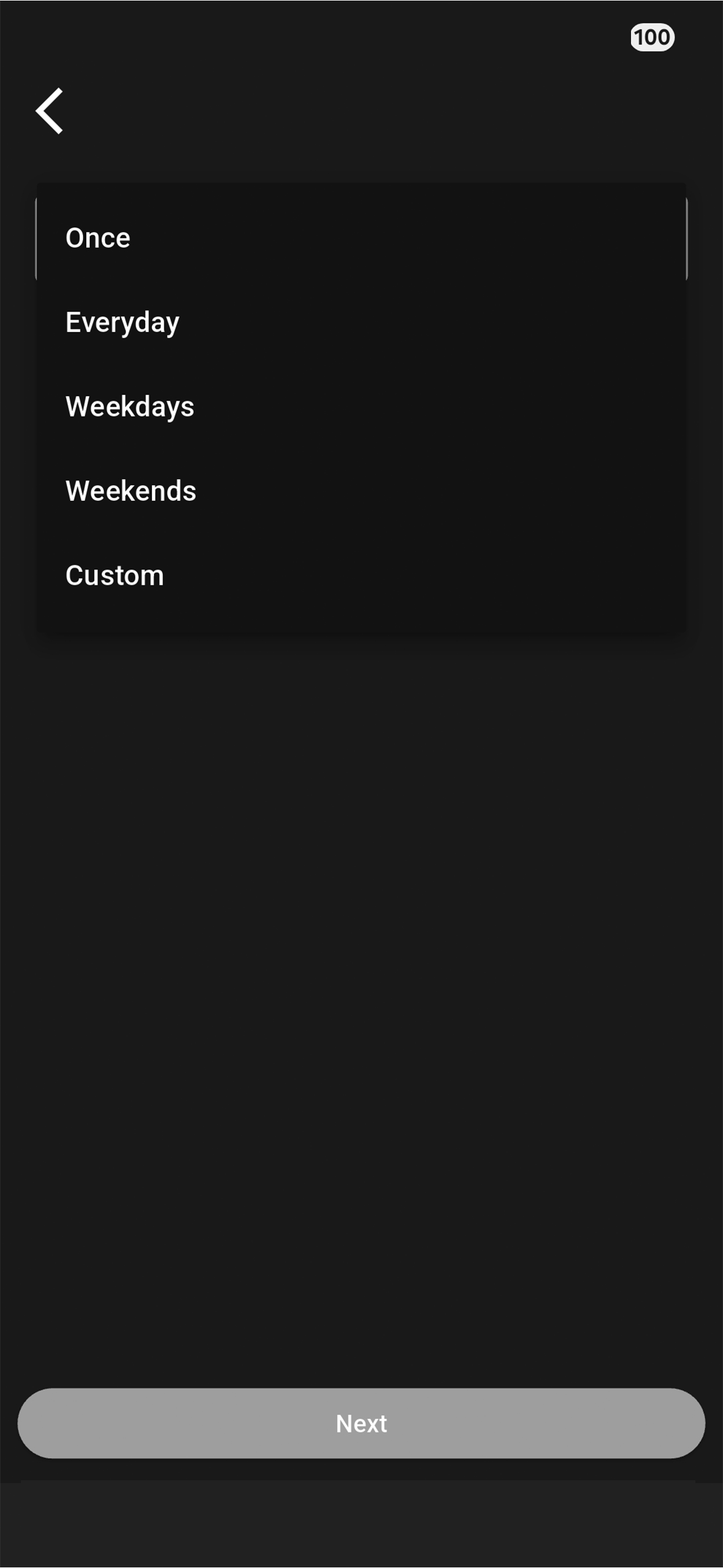
Select "Custom" if you would like to select specific days
Select the time frame for the curfew (start and end times)
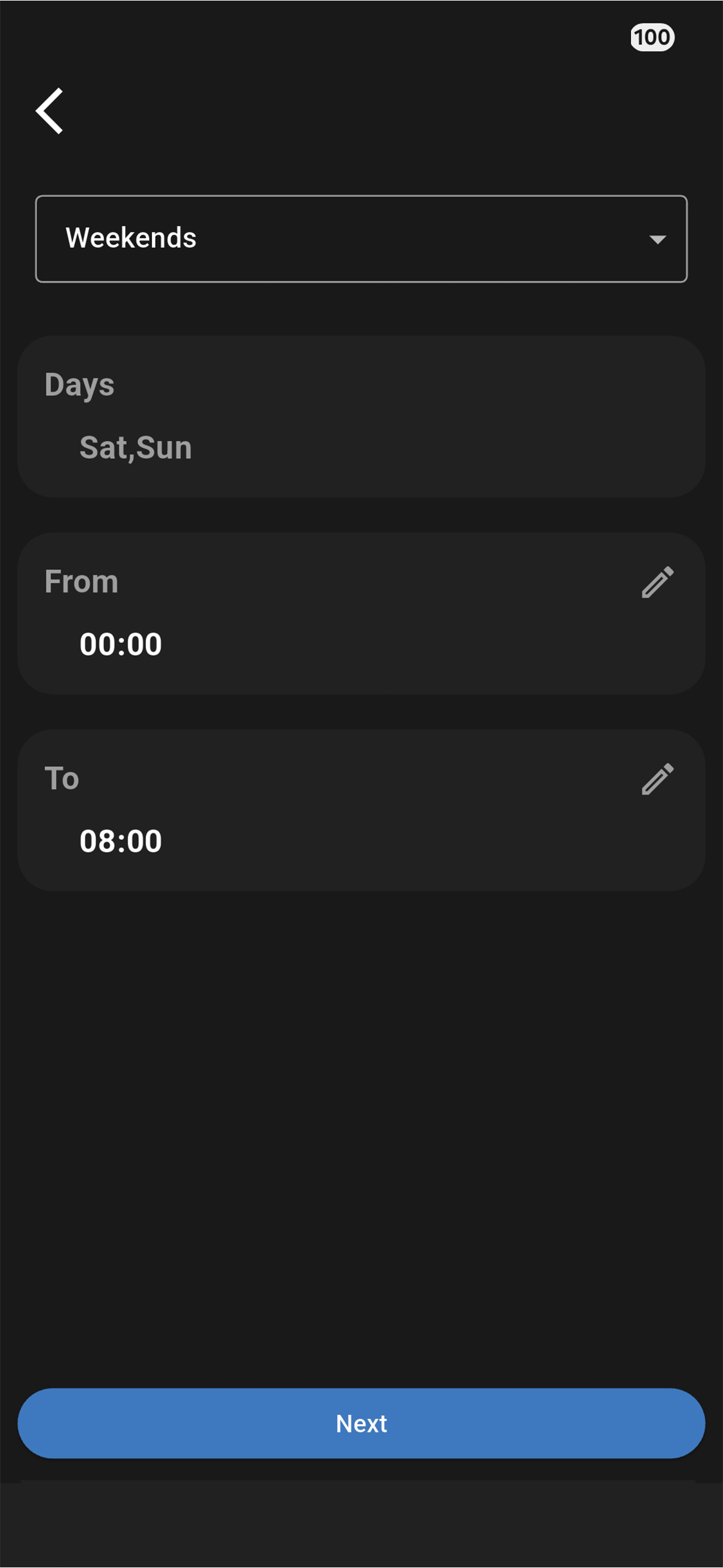
Tap "Next"
Review your selections
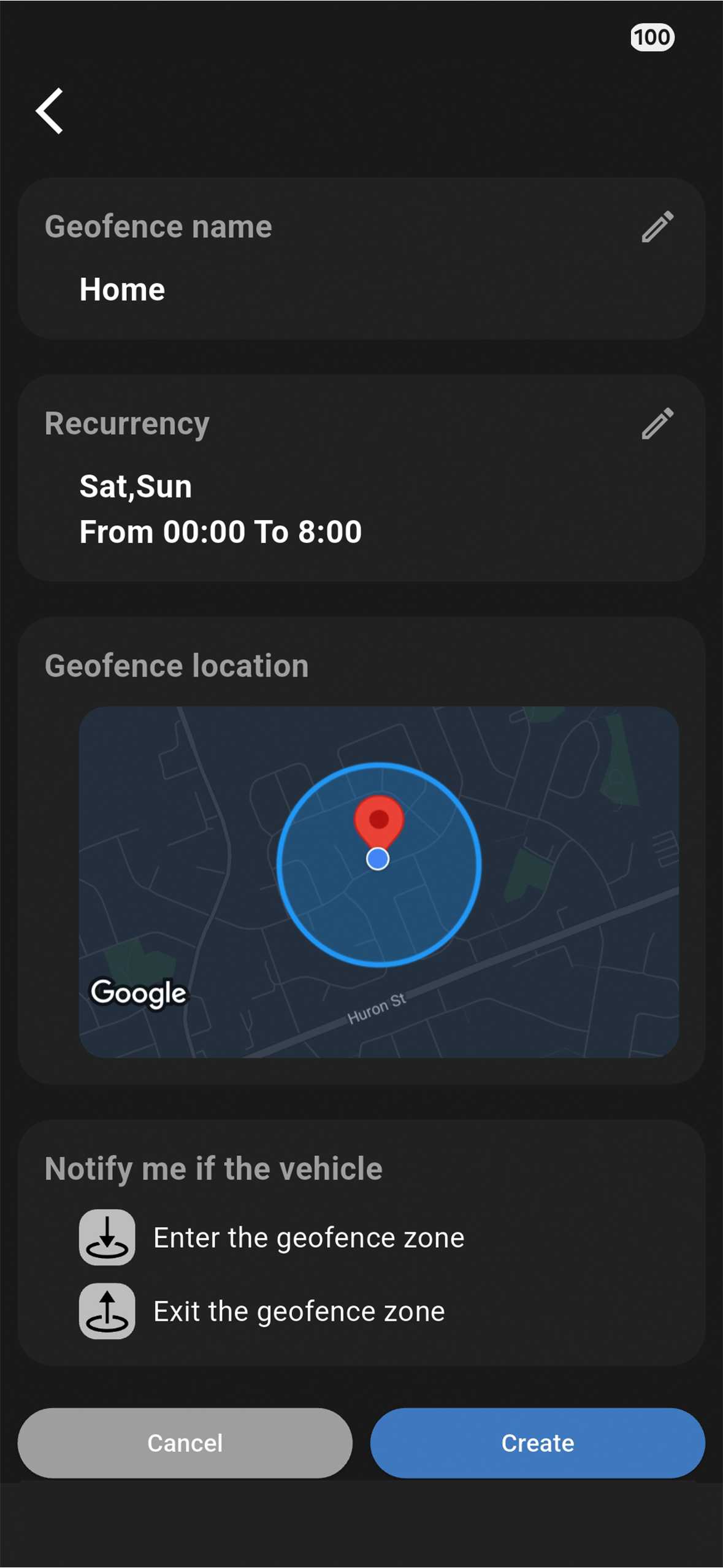
Select "Create"