.
The MYCAR™2 app now includes local Bluetooth control, letting you send commands to your vehicle even when you’re outside of cellular coverage.
With Bluetooth, you can still perform all your usual commands — Lock, Unlock, Start, and more — within a short range (up to 100 meters).
Getting Started with Bluetooth Setup
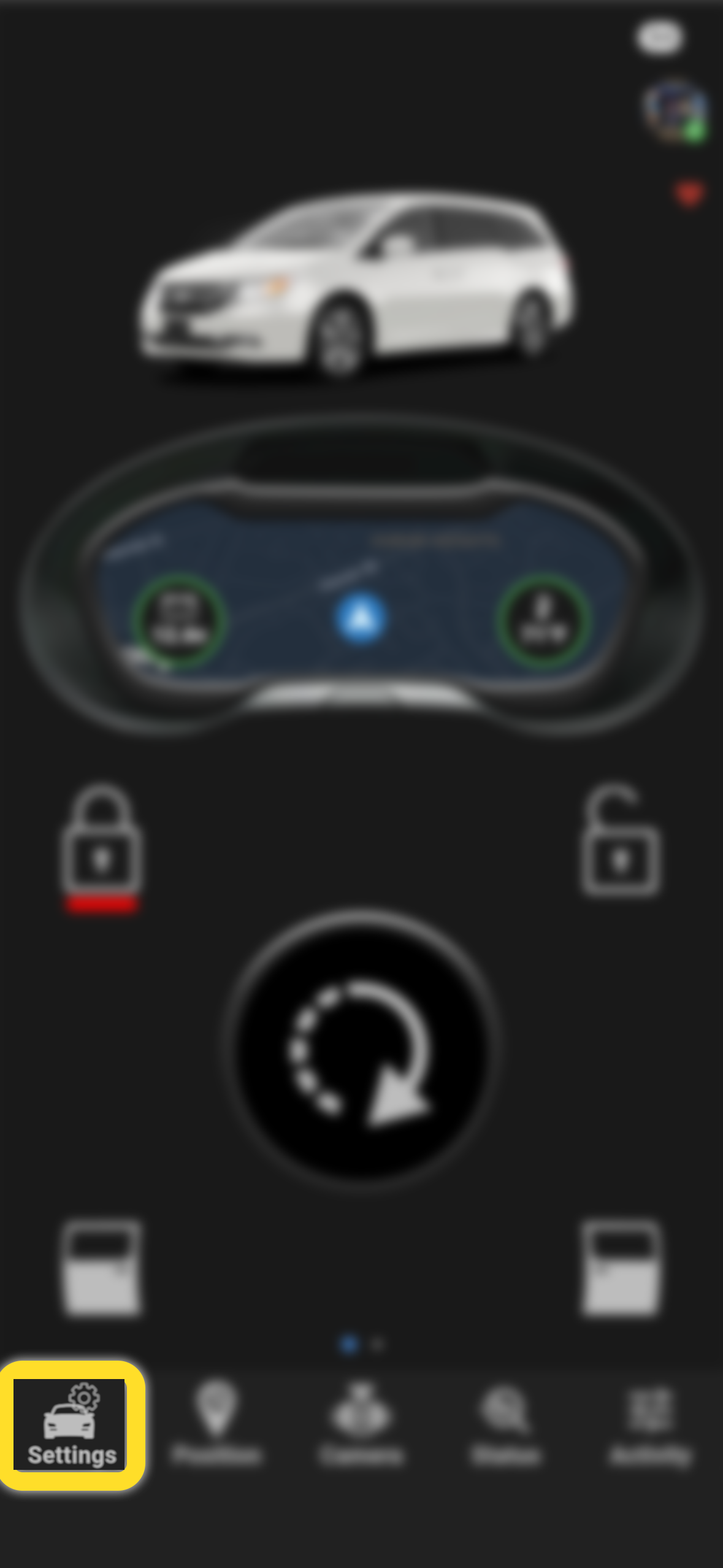
Tap on "Settings"
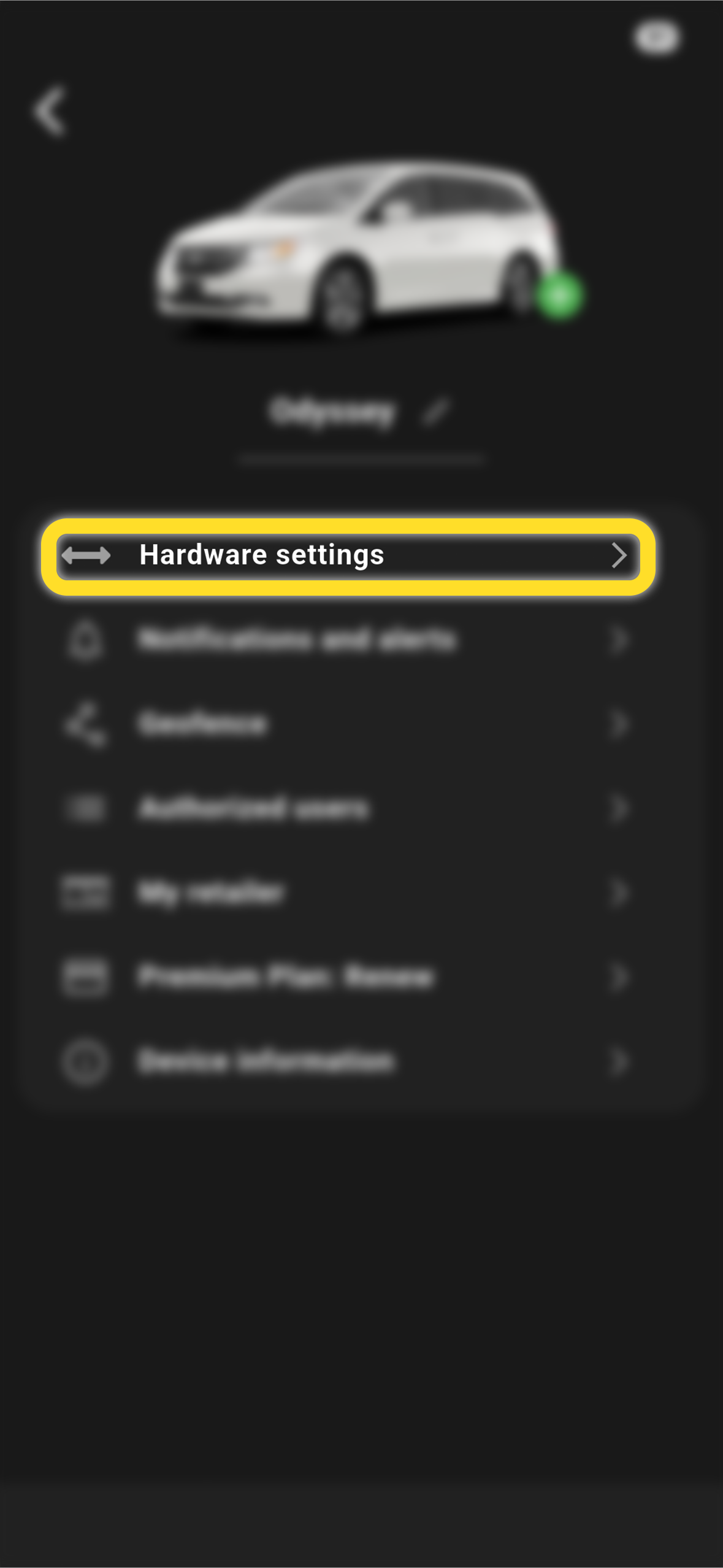
Select "Hardware Settings"
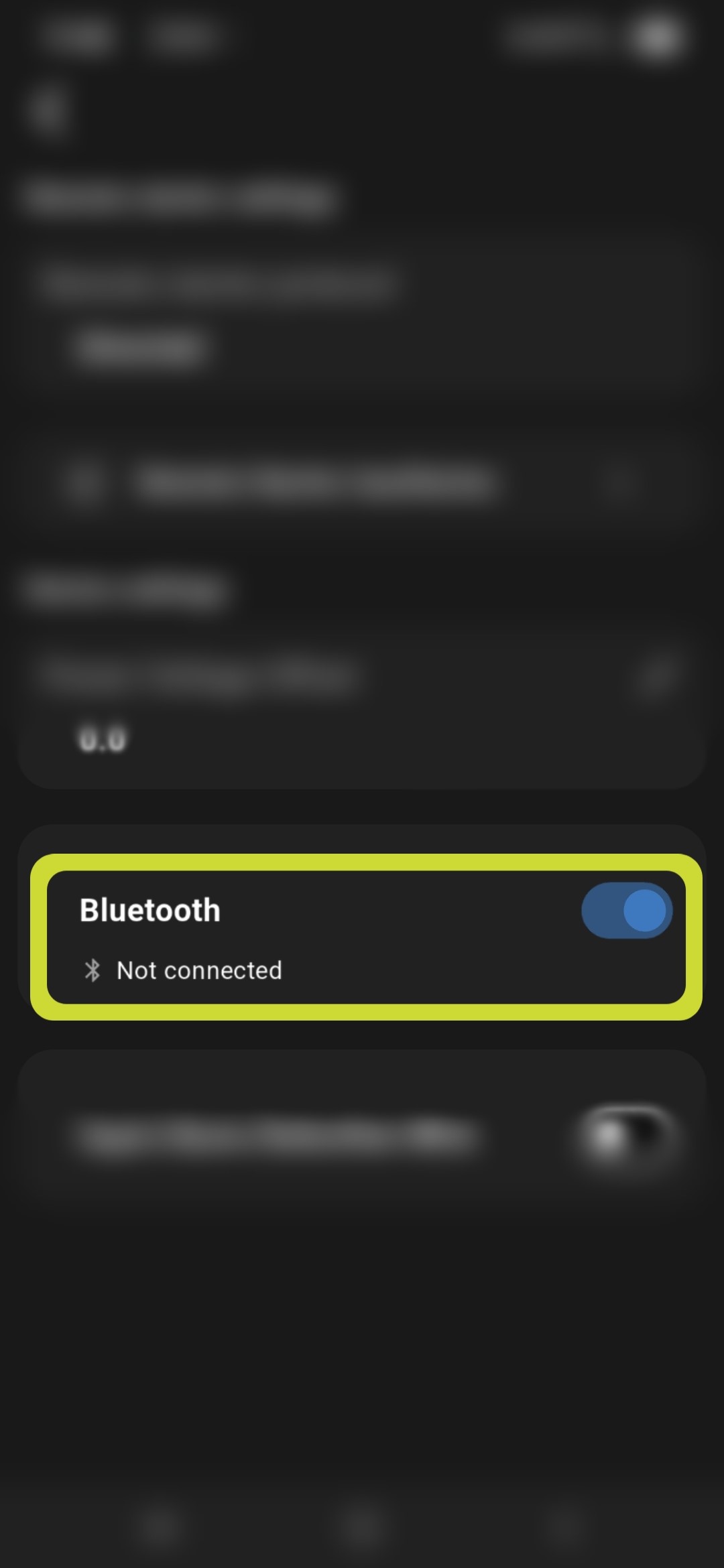
Enable Bluetooth
Once you are near your vehicle, tap "Enable" to begin pairing
Allow Permissions
On the following screen, choose Ask Permissions, then select:
“Allow all the time or Always”
- After permissions are granted, you’ll see a success message.
- Tap Next and Close.
- If you’re still within range, the app will prompt you to pair with your MYCAR™2 device.
- Tap Yes to begin pairing.
- When asked, confirm the request to pair with “TELEMATIC-XXXXXX.”
- Tap Pair to finish setup.
Managing Bluetooth Settings after connection
To turn Bluetooth on or off, go to:
Settings → Hardware Settings → Bluetooth
Now whenever you’re within range, the app will automatically use Bluetooth for faster response time
If there are any difficulties, please contact us at 1-888-644-8882 8:30 am to 5 pm EST Monday through Friday